Streaming
Stream overlay
A transparent scoreboard that sits over your camera in OBS and follows whatever is being played on the table — names, score, format and the other tables in the room. It updates itself as the tablet scores, with nothing to refresh.
Prefer a plain image?
Download the overlay frame as a transparent 1920×1080 PNG and drop it into any streaming software as an image layer. It has no live scores on it — for those, use the browser source above.
Download overlay (PNG 1920×1080)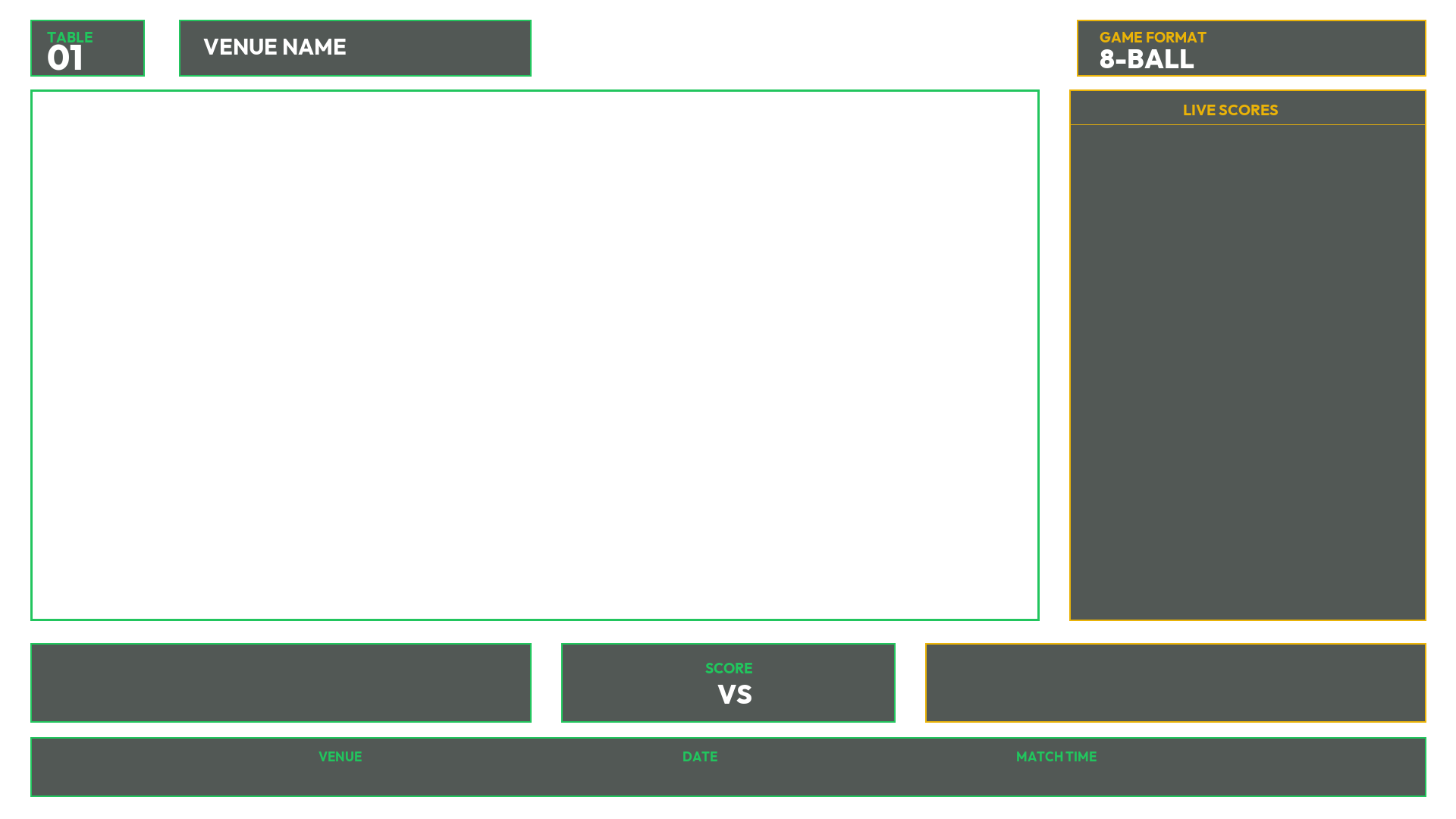
Setting it up in OBS
- 1 In your scene, add a Browser source.
- 2 Paste the overlay link into URL, and set width 1920 and height 1080.
- 3 Untick Shutdown source when not visible — otherwise the scoreboard stops updating whenever you switch scenes.
- 4 Drag the browser source above your camera in the source list. The middle of the overlay is transparent, so the camera shows through it.